Provet Release – April 2026: Home Delivery, Provet Mobile App Updates, and New Provet Pay Report
Home Delivery – Connect your own fulfillment partner and manage home delivery orders directly in Provet
Many clinics want to make ongoing care as straightforward as possible for clients – especially when it comes to repeat medications and preventatives. Instead of asking clients to call in refills or make extra trips, you can now authorise repeat items and have them delivered directly to the client’s door.
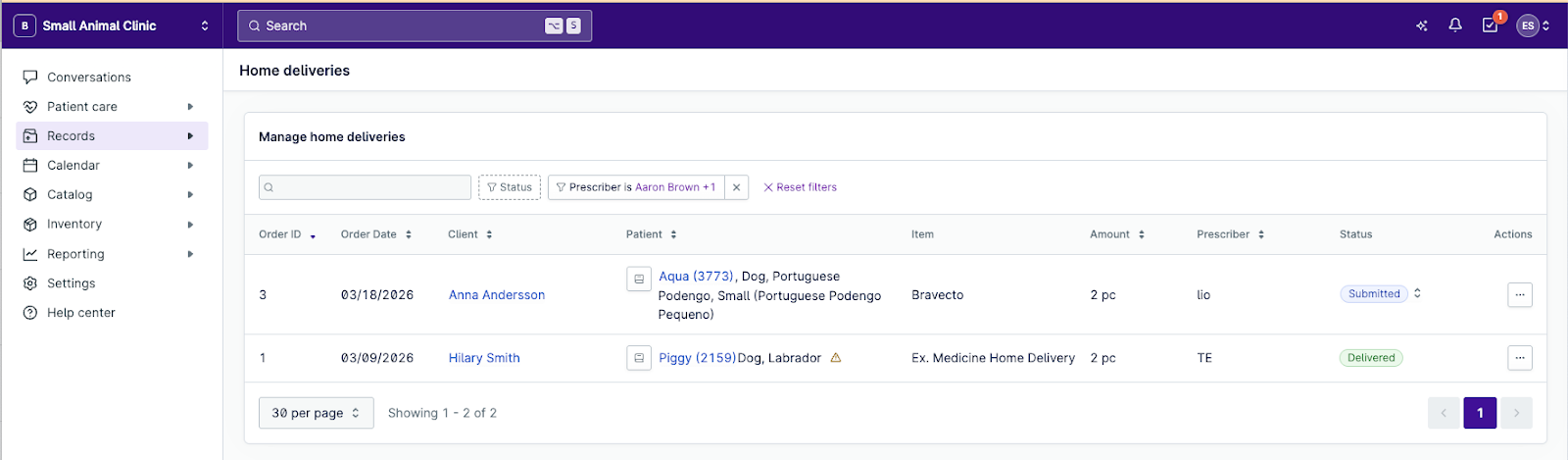
Home Delivery is now available to all clinics. It adds a dedicated workflow in Provet for selling and tracking items shipped by an external fulfillment partner of your choice. Add eligible items from your item list to a consultation, invoice, or counter sale with the "Home delivery" usage type, and track every order through the Home Delivery Dashboard – without leaving Provet. You handle the invoicing; your partner handles the shipping.
Home Delivery is built on Provet’s open API. Any third-party fulfillment provider can build a direct integration to connect their platform to yours – so you can choose the partner that fits your clinic’s needs.
To get started, enable Home Delivery in Settings > General > Integrations > Home delivery, then mark the items you want to offer for home delivery on each item card.
Learn More
AI Scribe, now on your phone
Documenting consultations shouldn't mean taking your attention away from the patient. Until now, AI Scribe worked through your desktop browser – useful, but it still tied your note-taking to a screen. For veterinarians who move around the room during an exam, that can get in the way.
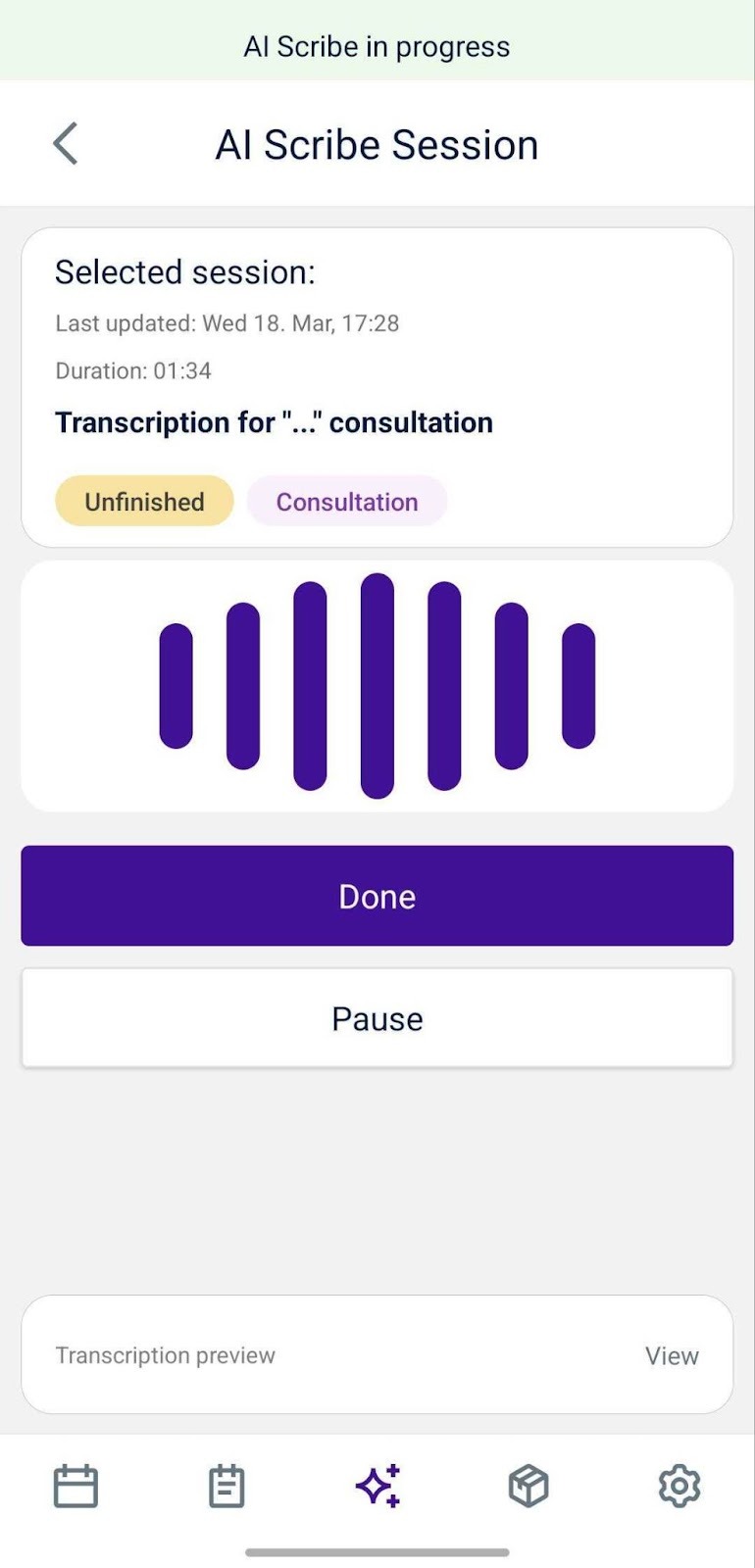
AI Scribe now works directly from the Provet Mobile App. Open a consultation on your desktop, scan the QR code with your phone, and start talking. The app transcribes your voice in real time and sends the notes straight into the consultation record. It runs in the background, so you can pocket your phone and stay focused on the patient. You don’t need to stay near a screen or type everything up afterward.
To get started, open a consultation in Provet, navigate to AI Scribe, click ‘record with your phone’, and scan the QR code using the Provet Mobile App. The app will begin recording immediately. When you're done, end the session from the app – your transcribed notes will be waiting in the consultation.
Read more
Appointment management on the Provet Mobile App
Your full schedule in your pocket – create, edit, and link appointments from anywhere.
Without the mobile app, staying on top of your schedule meant being tied to a laptop. If a new appointment was added, a booking got rescheduled, or a cancellation came through, you had no way of knowing unless you walked back to a workstation and checked. For Veterinarians taking walk-ins or moving between rooms, that meant gaps in awareness – and the risk of missed or double-booked appointments throughout the day.
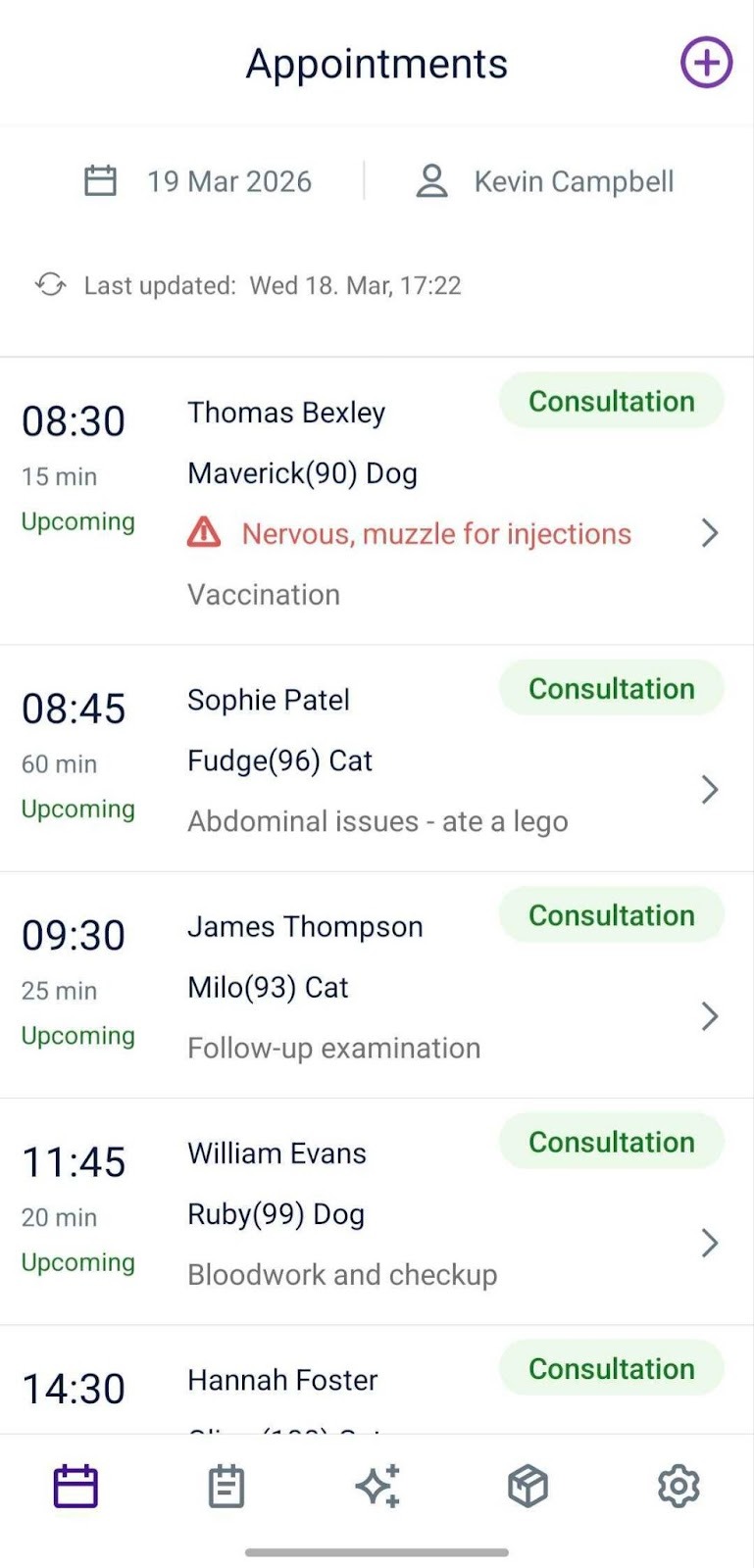
The Provet Mobile App gives you a clear view of your day and the tools to manage appointments as they change. See all of your appointments for the day at a glance, wherever you are. Create new appointments for yourself or – with admin permissions – for other team members. Edit existing appointments to update the type, resources, ward, reason, or status. And link related appointments together so multi-step visits stay connected. If a consultation is already available for an appointment, you can launch AI Scribe directly from the appointment – no need to go to your desktop and scan a QR code first.
Open the Appointments tab in the Provet Mobile App to get started. Your day's schedule is immediately visible. Tap any appointment to edit it, use the create button to book a new one, or link related visits together from the appointment detail view.
Read more
Provet Pay Payments Report – A clearer view of your Provet Pay transactions
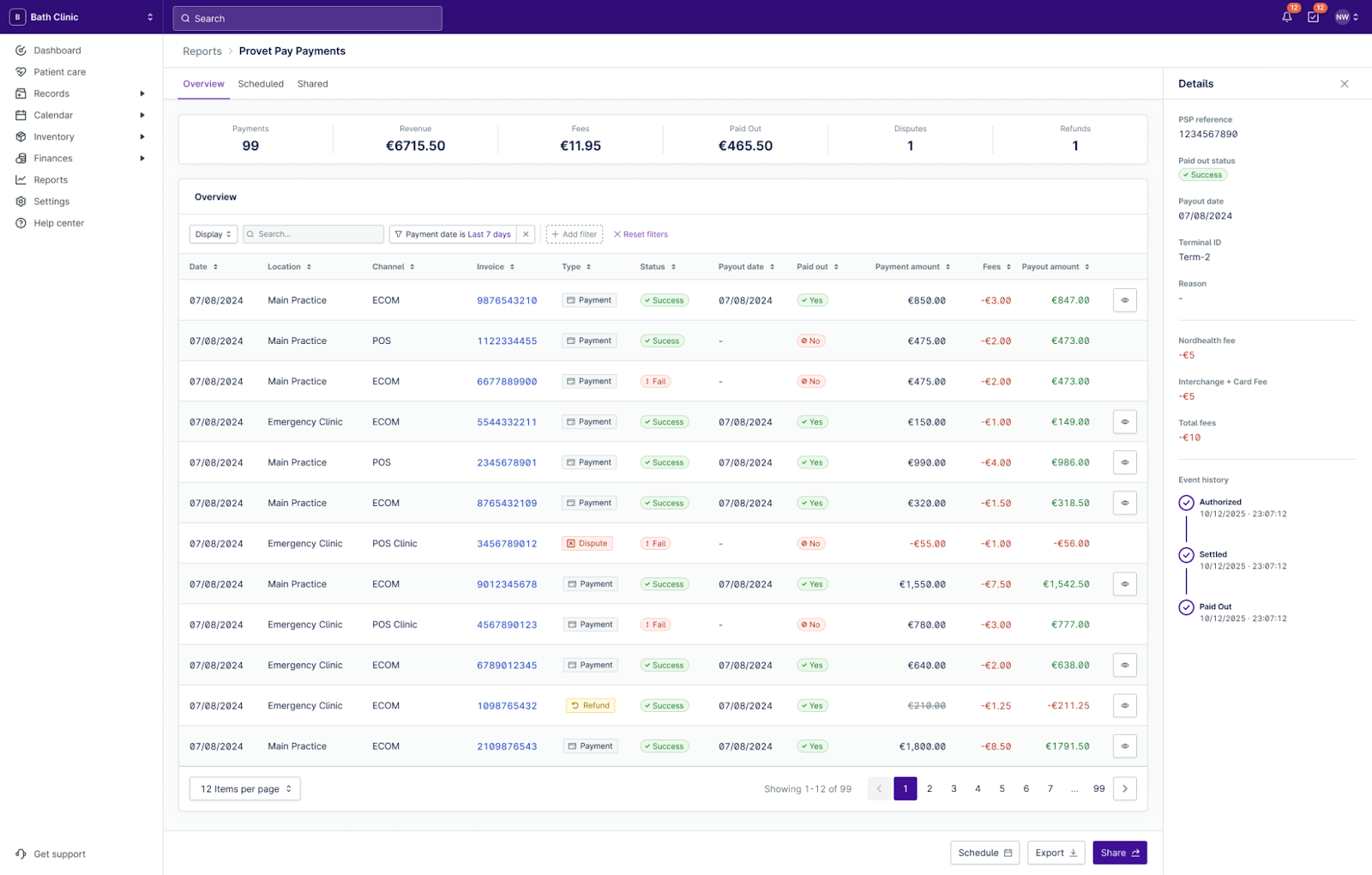
The new Provet Pay Payments Report gives you a single place to review Provet Pay transactions. It gives you a filterable, exportable list of every transaction processed through Provet Pay – including the full fee breakdown (scheme, interchange, and Provet fees), payout status, and direct links to the related invoice and client record. You can group by payment date, payout date, or account, and filter by status, type, payment method, or terminal.
Find it in the Reports section of your Provet account. Filter by date range to pull a monthly reconciliation view, or search by PSP reference or invoice number to track down a specific transaction. Historical data is included from day one.
Improvements
Keep finance settings controlled – without blocking everyday clinic admins
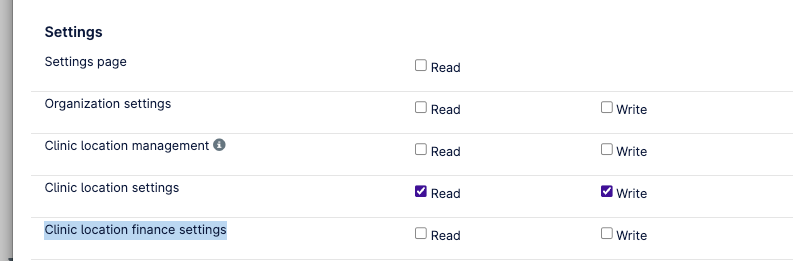
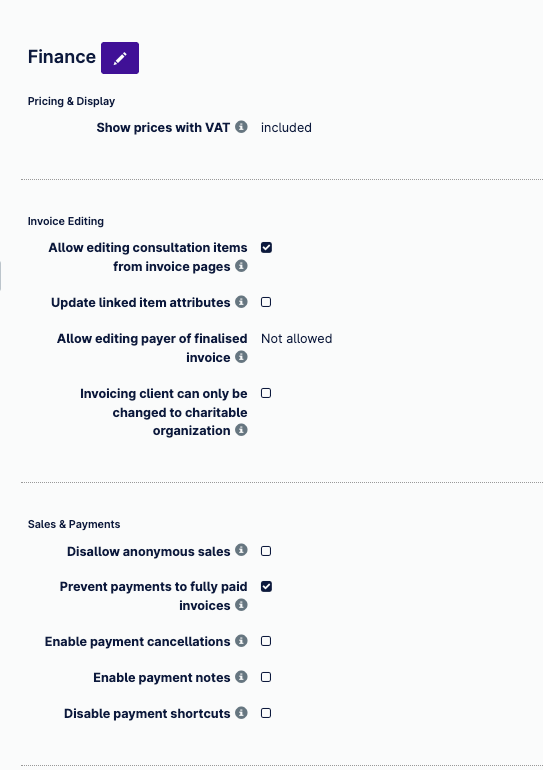
Finance-related Clinic Location settings are now grouped into a dedicated section with a separate permission. This makes it easier to give the right people access to sensitive finance configuration, without opening up everything in Clinic Location settings.
No permissions change by default. If a user previously had access to Clinic Location settings, they will continue to have access unless you choose to restrict finance settings separately.
To review or update access, go to Settings > Clinic locations > Finance settings (permission required).
Read more
Safer, clearer treatment printouts – protect personal details and group items by date
Treatment overview printouts now show clinic contact details instead of individual veterinarian contact details, reducing the risk of unintentionally sharing personal information.
When a consultation includes treatment items across multiple days, items are now grouped by date to make the printout easier to review and follow.
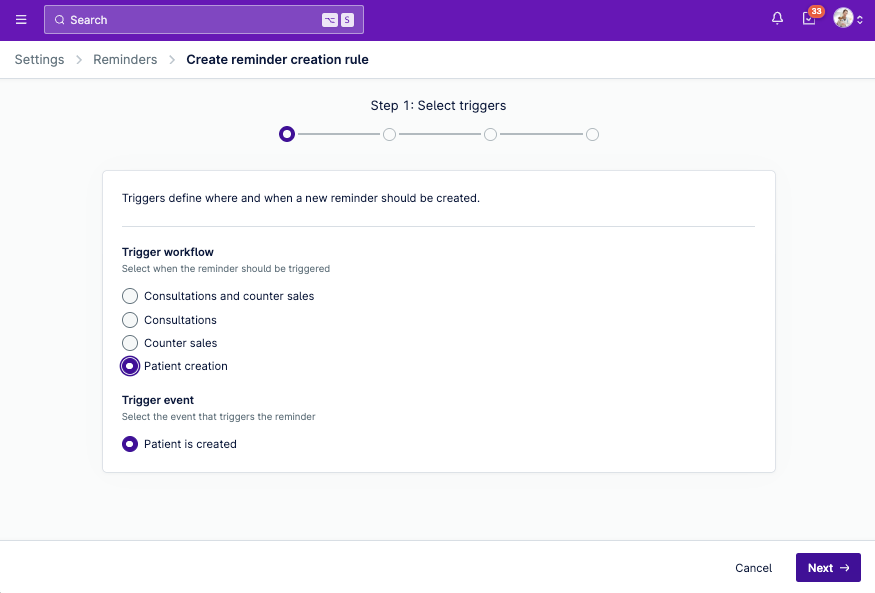
Create reminder rules faster – and trigger reminders when a new patient is created
The create and edit flows for reminder templates and rules have been redesigned with a clearer step-by-step setup process from trigger to message content.
You can now also trigger reminders based on new patient creation, making it easier to automate onboarding messages, such as sending a welcome note a few days after a patient is added.
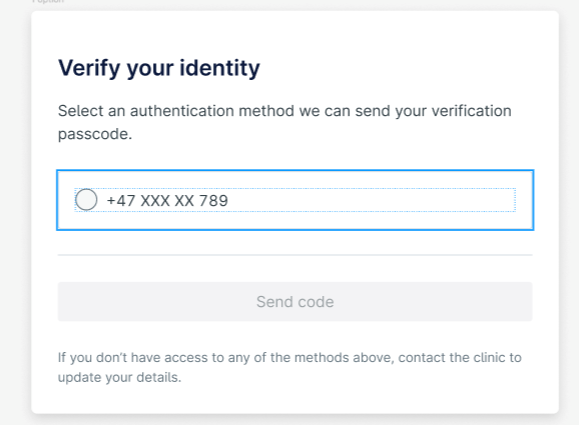
Pre-Registration Two-Factor Authentication – verify the right client before they submit
We've improved how two-factor authentication works in the pre-registration flow. Clients are now verified via a one-time password (OTP) sent to a masked phone number or email address from their record.
Clients receive the OTP via the same channel they used to open the form (email or SMS), helping protect client data and reduce misuse.
Coming soon: Customisable Health Service Reminder emails
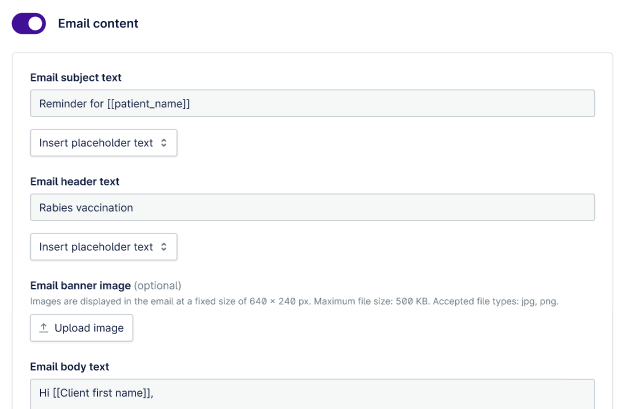
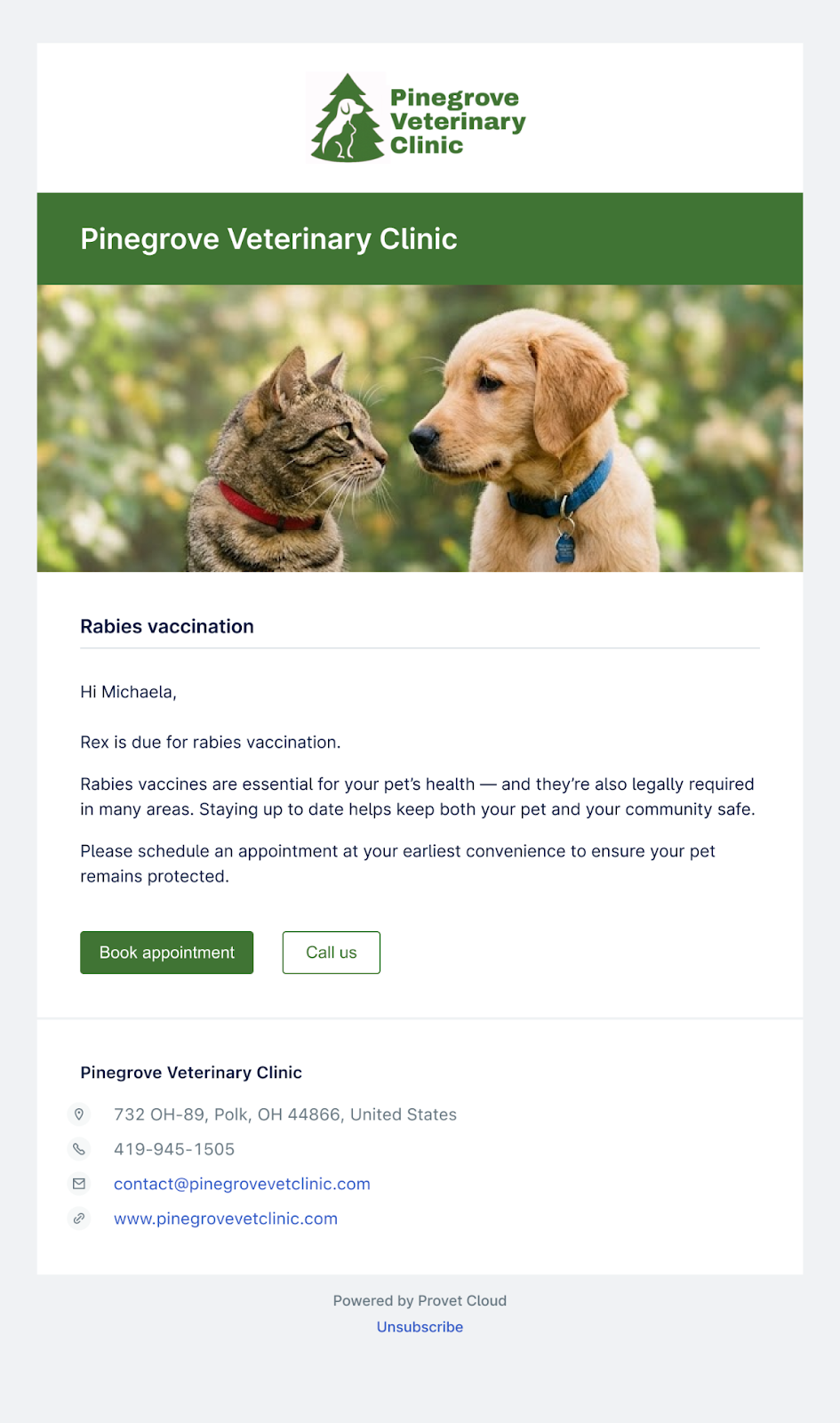
Control the subject line, header text, and banner image of your HSR reminder templates.
You'll soon be able to tailor how your Health Service Reminder emails look and read. Set a subject line and header text for each template. Add a branded banner image so your reminder emails match the tone of your service.